


Most creators do not struggle with ideas. They struggle with the space between an idea and a finished video. Recording tools that require setup, adjustments, and repeated fixes can slow the process. Over time, that friction affects consistency.
A useful recording tool should remove these obstacles. It should allow creators to capture content as soon as inspiration strikes. iTop screen recorder meets this need by offering a smooth and reliable recording experience that supports creative flow instead of interrupting it.
What iTop Screen Recorder Does for Creators
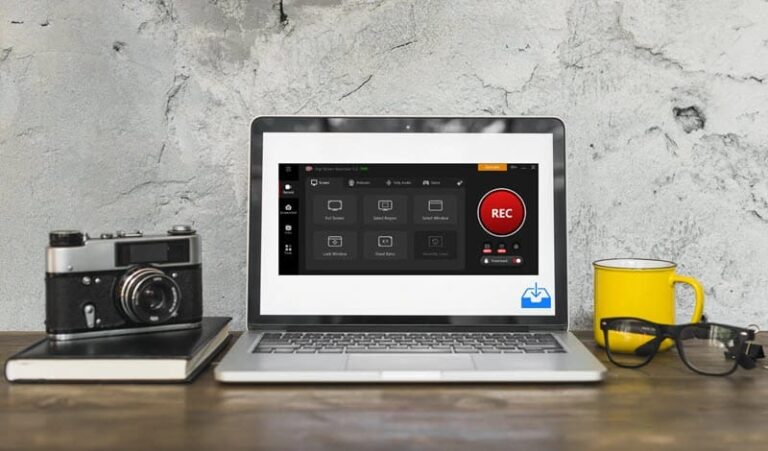
iTop Screen Recorder is a screen recording software that captures desktop activity, system audio, microphone voice, and webcam footage. It enables users to create tutorials, gameplay videos, product demonstrations, and presentations directly from their screens.
The focus is on clarity and control. Creators can record full screens, selected windows, or specific areas based on their content. This flexibility helps them present information in a clear and organized way.
Instead of using multiple tools to build content, creators can rely on one platform to capture their ideas efficiently.
Why It Fits the Creator’s Workflow
Content creation often requires speed. A delayed recording process can lead to missed opportunities, especially with time-sensitive topics or trending content.
iTop Screen Recorder helps reduce this delay. It allows creators to start recording quickly and capture content in real time. This is especially valuable for tutorial creators who need to demonstrate steps clearly or gamers who want to record live gameplay without interruptions.
The ability to record both screen activity and voice at the same time also simplifies production. Creators can explain their process while recording, cutting down on the need for extra editing later.
Real Uses Across Creative Fields
Content creators use iTop Screen Recorder to produce tutorials, walkthroughs, and educational videos that need clear visual explanations. The tool ensures each step is captured clearly, making it easier for audiences to follow.
Marketers use it to create product demonstrations and campaign presentations. A recorded demo often communicates value more effectively than written content.
Educators use screen recording to prepare lessons and instructional materials. Students benefit from being able to revisit recorded explanations whenever they need.
Businesses apply the same approach for training and internal communication. Screen recordings help standardize processes and reduce repeated explanations.
Across these fields, the tool supports one goal: clear and efficient communication through video.
How to Use iTop Screen Recorder
- Install and open iTop Screen Recorder on your computer.
- Select the recording area based on your content needs.
- Enable the microphone, system audio, or webcam if required.
- Start recording and present your content naturally.
- Stop the recording and save or edit the video.
This simple workflow makes it easy to create content consistently.
A Practical Choice for Consistent Creation
For creators, the best tools are those that support momentum. iTop Screen Recorder does this by being easy to use and providing reliable performance. It removes unnecessary steps and lets ideas be captured at the right moment.
Simplifying the recording process, it helps creators focus on what truly matters—the quality and clarity of their content. For anyone looking to produce videos regularly without technical distractions, it offers a dependable and effective solution.
